
Table of Content
- New Features
- Get full IP traceroute on a specific target
- Restrict a Repeater to a specific project(s)
- Improvements
- Possibility to change the method on redirect when configuring an Authentication Object
- Allow using API keys to access role resources
- Easy access to Authentications
- General UI improvements
This blog post announces the November 2021 Update for Bright.
We added some new features and product enhancements that will make your experience even better.
New Features
Assigning roles to groups
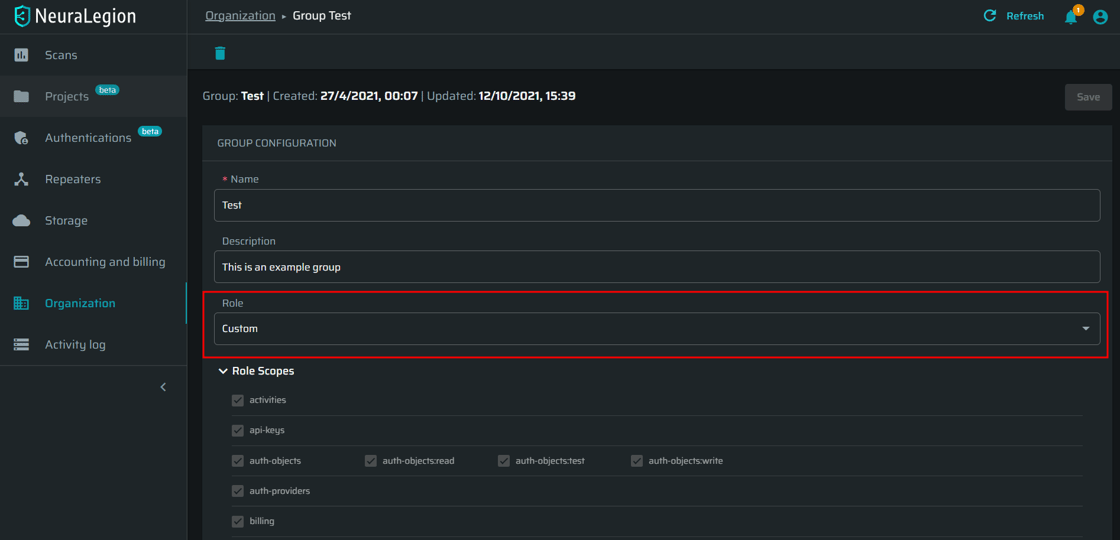
Every group can now be assigned a role, which defines the access scope in fine-grained detail. Try it out – manage your organization.
Get full IP traceroute on a specific target
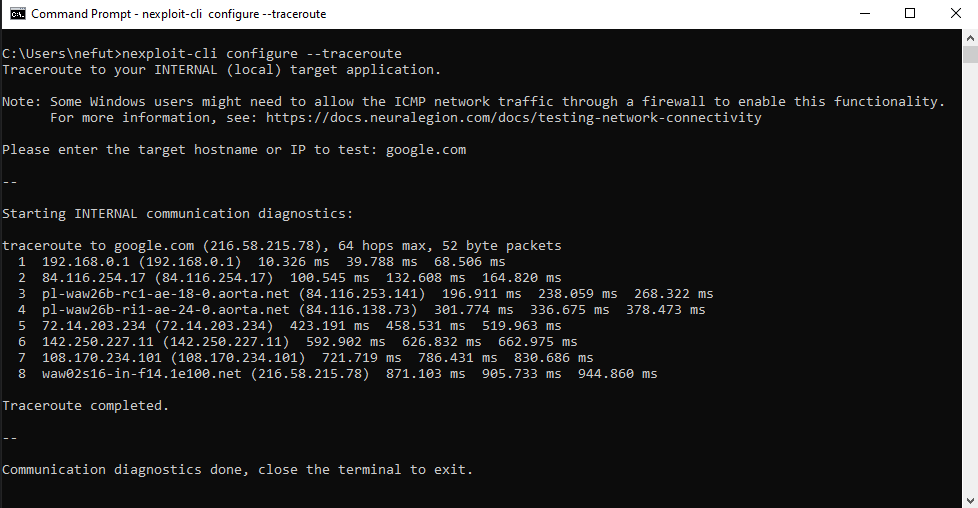
Reveal all connectivity bottlenecks in minutes! Get a full IP traceroute on your target application to easily manage whitelisting Bright. See the documentation.
Restrict a Repeater to a specific project(s)
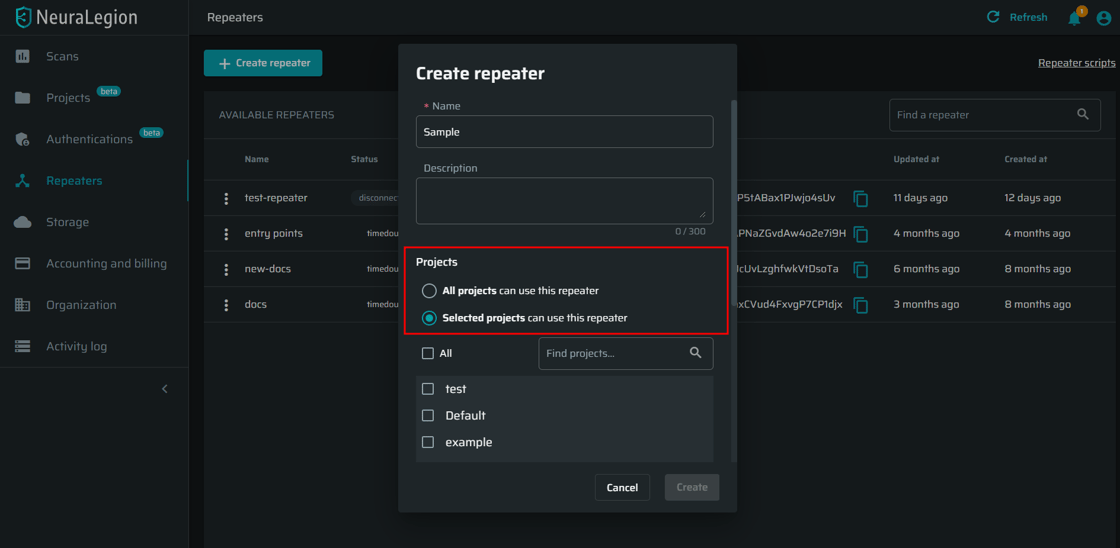
You can now use a repeater only for particular projects, which lets different teams scan only specific local targets. See the documentation.
Improvements
Optimize attack surface with custom headers
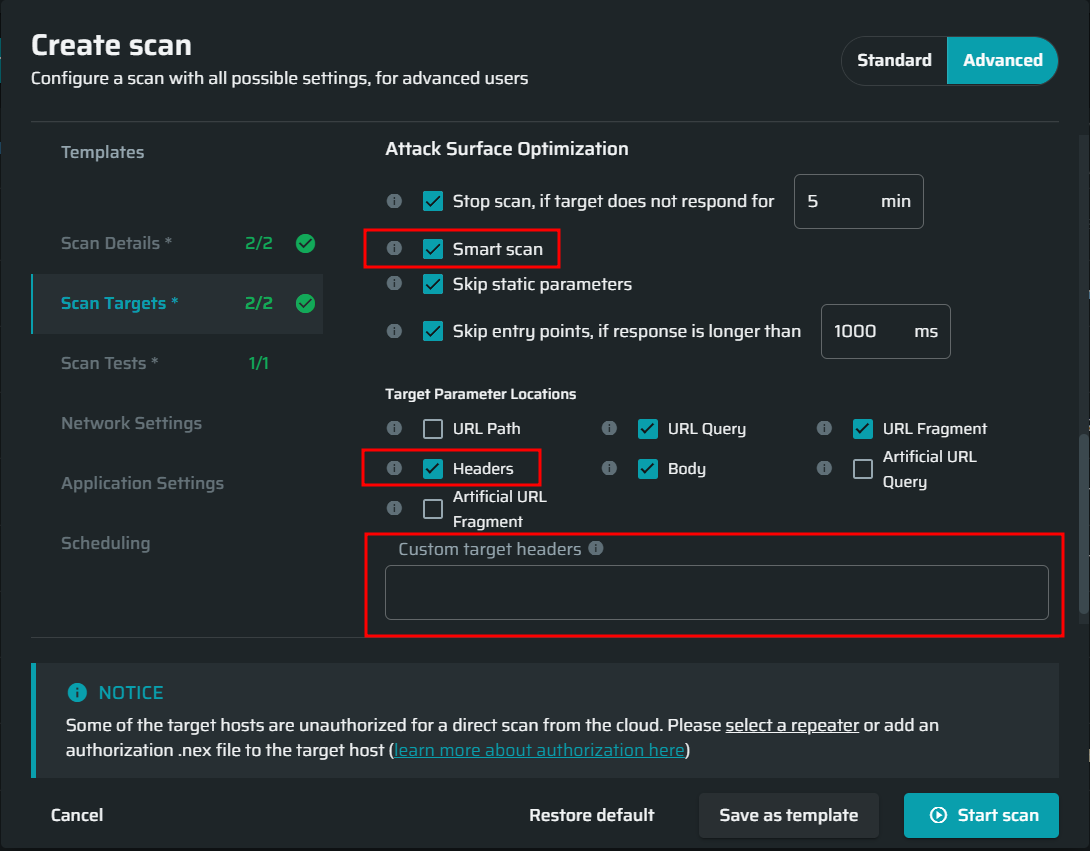
You can now optimize the attack surface by selecting specific custom headers to be covered by tests during scanning. These headers will be included in the “smart scan targets” for your scans, allowing you to test your custom headers with all our tests without compromising on scan speed. Run a scan with custom headers
Possibility to change the method on redirect when configuring an Authentication Object
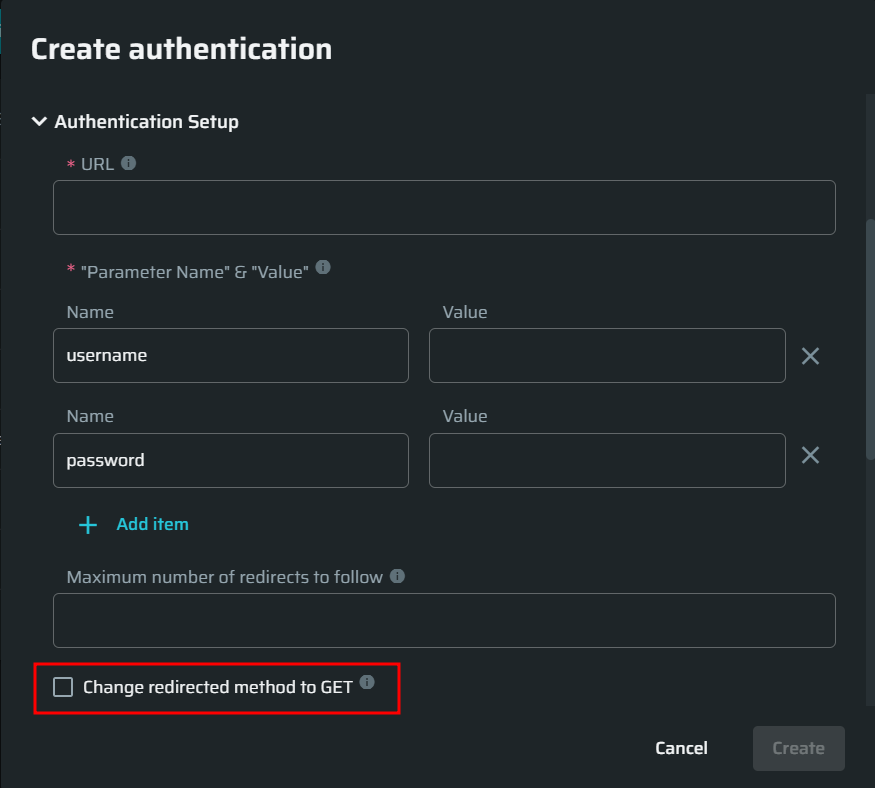
When configuring an authentication object, you can now enable redirects for code 302, where the server expects the following methods to always be GET during redirects, and not the original method that triggered the redirect. Create an Authentication Object.
Allow using API keys to access role resources
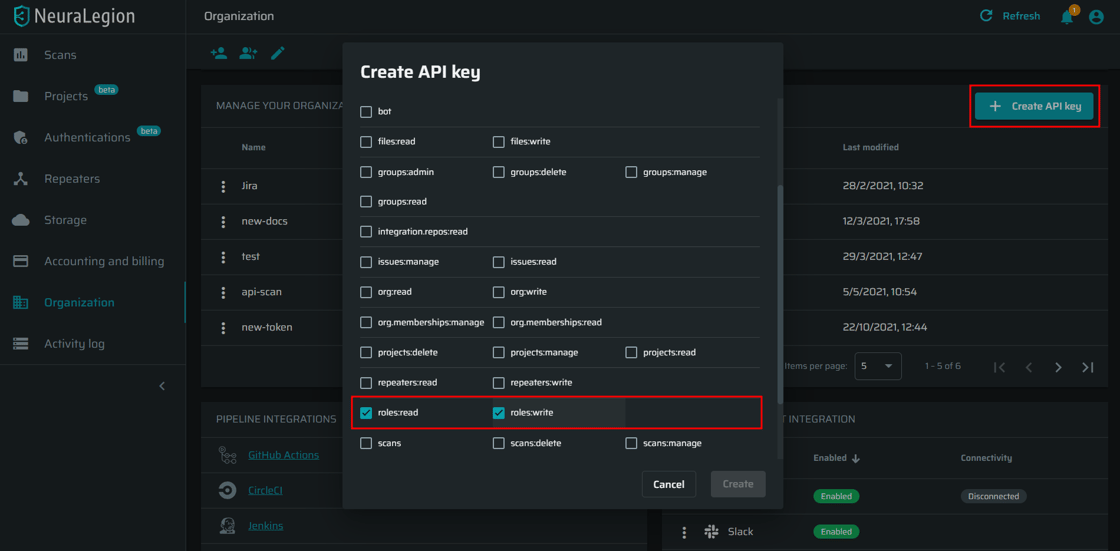
From now on you can select the role-related access scopes when creating API keys, as well as manage those roles via our REST API. See documentation.
Easy access to Authentications
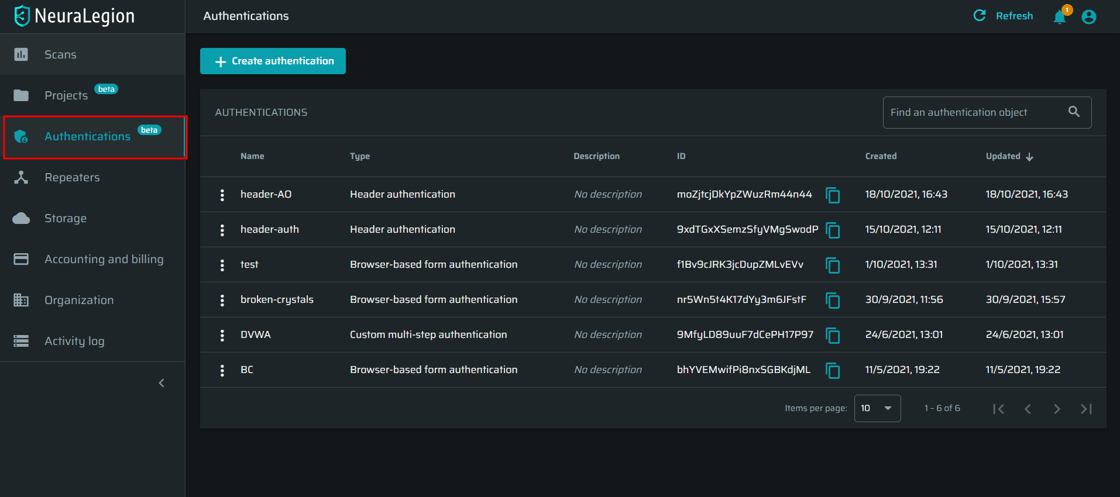
Now you can easily reach Authentications from the left menu. See the documentation
General UI improvements
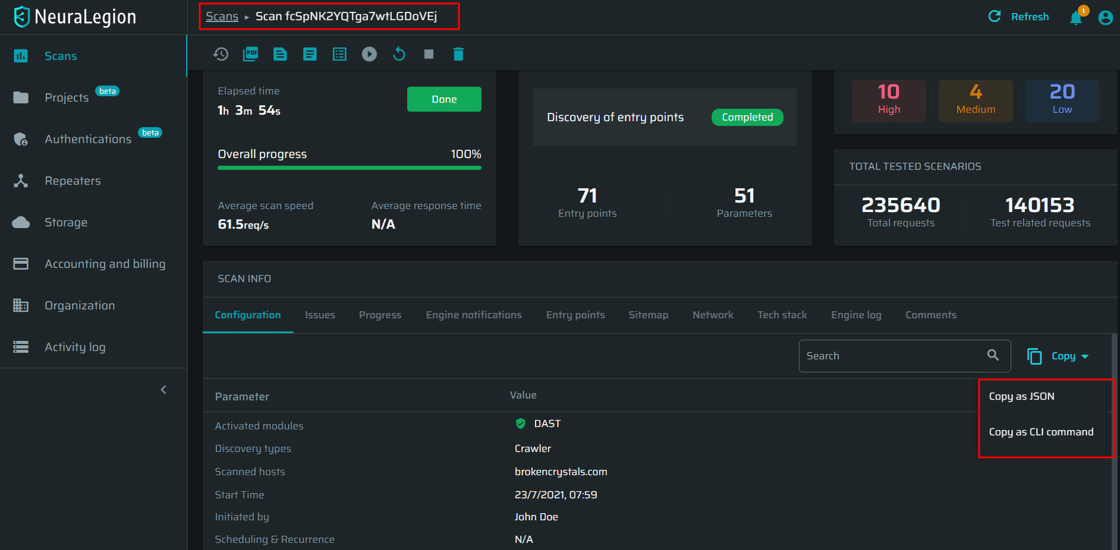
Enjoy our improved breadcrumbs navigation, smart copy button, “found issues” view on the Scans page, and other UI enhancements to make your experience better.
Scan surface discovery and speed improvements
We improved scan speeds by automatically analyzing and excluding irrelevant entry points such as duplicates and static resources.